

If customer details live in your head, your inbox, a notebook, and a spreadsheet called “final-final-v2”, your business may be nudging you towards a CRM.
A small business CRM can keep leads, notes, follow-ups, and customer history in one place. Still, not every firm needs one right away. Some buy too early, then let it gather digital dust.
The smart move is to spot the tipping point before missed calls, forgotten quotes, and mystery leads start costing real money.
What a CRM is, in plain English
CRM stands for customer relationship management software. That sounds grand. In practice, it is a tidy home for your contacts and the conversations around them.
A good CRM stores names, email addresses, phone numbers, notes, tasks, and deal stages. It can remind you to call someone back on Thursday, show which quotes are still open, and tell you who last spoke to a customer. That is the useful bit.
It is not magic. It will not rescue a weak offer or make people reply to poor emails. It will not fix a sales process that exists only as vibes and crossed fingers.
For small firms, the value is usually simple. You stop relying on memory. You stop hunting for old messages. You stop asking, “Did anyone follow that up?”
That said, a CRM is not always the next sensible step. If you are a solo business with a handful of repeat clients, and your work comes through a booking app or regular referrals, a spreadsheet may still do the job. If your “sales process” is one call, one quote, and one invoice, a big system can feel like wearing a suit to walk the dog.
The point is not to own more software. The point is to run the business with less chaos.
The signs you’ve outgrown spreadsheets
Spreadsheets are loyal little workhorses. They are also forgetful, silent, and terrible at nudging you when a lead has gone cold.
The warning signs tend to show up in the same places. You are getting more enquiries than you can comfortably track. Follow-ups happen late, or not at all. Customer notes sit in different inboxes. Two people contact the same prospect without knowing it. Reporting means half an hour of squinting and muttering.

A spreadsheet can store data. It cannot manage a relationship on its own. It will not remind you that a warm lead needs a call today. It will not show an easy timeline of emails, quotes, meetings, and next steps unless you build that by hand, and keep building it forever.
Both Nimble’s take on CRM versus spreadsheets and Act!’s comparison of the two land on the same broad point: spreadsheets are fine for lists, but they struggle when sales activity, teamwork, and follow-up matter.
If memory is doing most of the follow-up work, leads will leak.
Lead volume is a major clue. Five active prospects are manageable. Fifty active prospects, each with different timings and questions, is another story. So is team size. Once more than one person handles leads or accounts, shared history matters. Without it, customers repeat themselves, staff guess, and simple jobs turn into pantomime.
Reporting is another giveaway. Can you answer where enquiries come from? Which quotes convert best? How long deals take? If not, the problem is not curiosity. It is visibility.
Who should get a CRM now, and who can wait
The right timing depends less on industry and more on how you win, keep, and grow customer relationships.
Businesses that should move now
A CRM makes sense sooner for firms with a steady stream of leads and a multi-step sales process. Think of a small accountancy practice tracking enquiries, meetings, proposals, and renewal dates. Or a commercial cleaning company managing site visits, quotes, follow-ups, and contract renewals. Or a trades business handling lots of quote requests, where speed and consistency decide who wins the work.
B2B service companies often benefit early. So do agencies, recruiters, consultants, IT support firms, estate agencies, and wholesalers. These businesses deal with ongoing conversations, multiple decision-makers, and repeat contact over months, not minutes.
Retention matters too. If your profit comes from repeat business, annual renewals, re-orders, or service reminders, a CRM starts paying its way quickly. Missing one renewal email can cost more than the software.
A CRM is also smart when you need better reporting. If you plan staffing, ad spend, or stock around expected sales, guesswork gets expensive fast.
Businesses that can wait a bit longer
Some firms can hold off without causing harm. A local cafe with mostly walk-in trade does not need a full CRM to remember who bought a flat white last Tuesday. A market stall, small barber, or one-person maker selling mainly through a marketplace may be fine with a booking tool, e-commerce platform, or simple customer list.
You can also wait if your client base is tiny, stable, and easy to manage. A freelance designer with eight long-term clients may get more value from good invoicing, calendar discipline, and decent note-taking than from another login.
That said, “wait” does not mean “ignore”. It means stay honest. If your pipeline is growing, your team is expanding, or customers expect better follow-up, the balance changes. A candid discussion on Reddit about CRM versus spreadsheet use shows how often owners start simple and then hit that wall.
The real cost of a CRM is the setup
Software fees get the attention, but setup is the part that bites. A cheap CRM nobody uses is still expensive.
You need to choose what goes into it, how deals move through stages, who owns follow-ups, and what counts as a qualified lead. You may also need to clean old data, connect email, and agree simple rules with the team. None of that is glamorous. All of it matters.
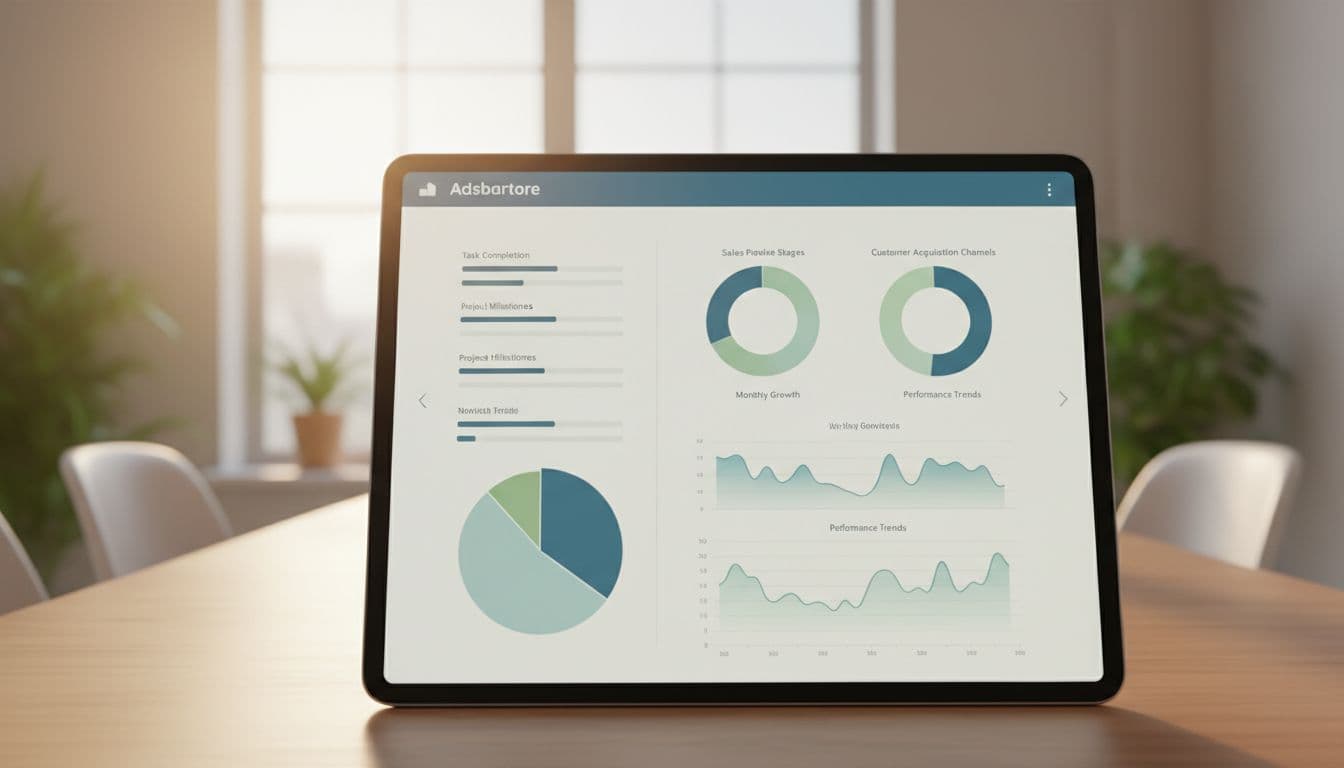
For most small businesses, the best CRM is not the one with the most features. It is the one people will update on a busy Tuesday. That usually means a few basics:
- one clear record for each lead or customer
- tasks and reminders for follow-up
- a simple pipeline with obvious stages
- notes that everyone can understand
- reports you will read more than once
Extra bells and whistles can wait. Fancy automation is lovely once the basics are solid. Before that, it is lipstick on a filing cabinet.
The payoff comes when the system saves missed sales, cuts duplicate work, and shows what is happening without detective work. If you later connect it to quoting, invoicing, or marketing tools, the value can grow. Still, the first win is usually humble: fewer dropped balls.
A simple CRM decision checklist
You do not need a committee, a whiteboard, and three biscuits to decide this. Use a plain yes-or-no test.
A CRM is probably worth it now if you answer “yes” to at least three of these:
- You handle more leads each month than memory or a spreadsheet can track well.
- Follow-ups slip, and good prospects go quiet because nobody chased them.
- More than one person deals with leads or customer accounts.
- Your sales process has several steps, such as enquiry, quote, call, proposal, and close.
- Repeat business, renewals, or customer retention matter to your profit.
- You need reporting on lead sources, conversion rates, or sales activity.
If you score one or two, keep things simple for now. Tighten your spreadsheet, calendar, inbox rules, and note-taking. If you score three or four, a light CRM is usually the sensible next step. If you score five or six, you are late to the party and the biscuits are gone.
One more filter helps. Ask whether the problem is volume, visibility, or discipline. If it is volume, a CRM helps you keep up. If it is visibility, a CRM gives everyone the same view. If it is discipline, the tool helps, but only if the team uses it properly.
Conclusion
A CRM becomes useful when your business can no longer trust memory, scattered notes, or one heroic spreadsheet to keep sales moving.
For some firms, that moment arrives early. For others, a simple setup still works fine. The deciding factor is not fashion. It is whether follow-up, retention, and reporting are now too important to leave to chance.
If your customer data already feels like a scavenger hunt, you do not need more patience. You need a better system.


Leave A Comment